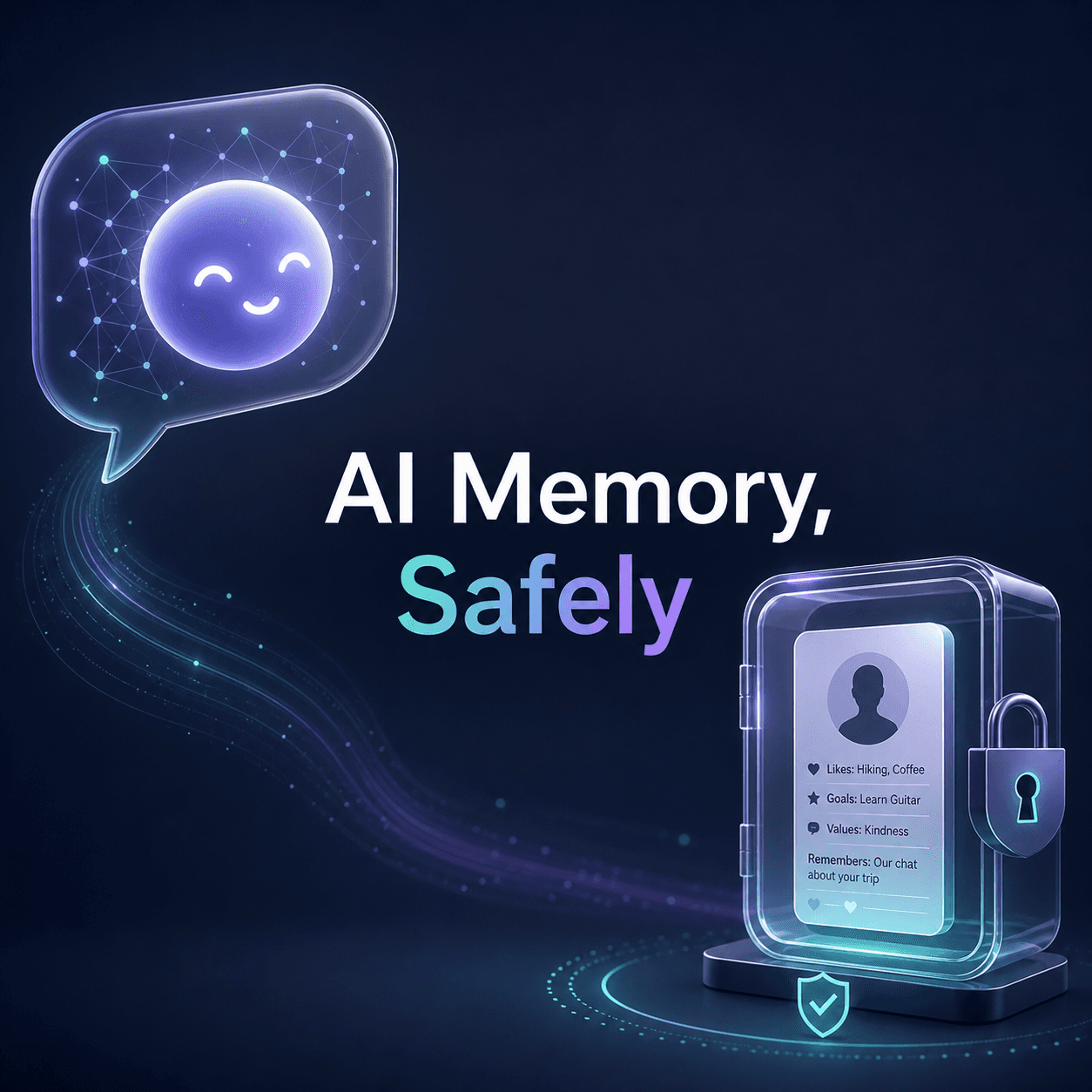
There’s a moment that feels weirdly personal the first time it happens.
You open your AI companion app, you say hi, and it says something like, “How did your interview go?” or “Did you ever finish that book you kept talking about?”
And you’re like. Wait. You remembered that?
It can be genuinely comforting. Also a tiny bit unsettling, if I’m being honest.
Because memory is the thing that turns a chatty bot into something that feels like a relationship. Not in a dramatic way. Just in the normal human way we bond with anything that seems to track us over time.
But. The exact same feature that makes it feel warm is also the feature that can quietly create privacy problems if you don’t handle it intentionally.
So this guide is basically the middle path.
How to help your AI companion remember you well enough to feel consistent and emotionally “there”, without dumping your entire identity into a black box you don’t control.
And yes, we’re doing the safety part seriously. Not paranoia. Just basic adult boundaries.
Why “memory” matters so much in AI companionship
A companion that remembers things does three important things:
- Continuity: it doesn’t reset to day one every time you open the app.
- Personalization: it learns what makes you feel calm, seen, playful, understood.
- Trust building: even if you know it’s software, the consistency hits the same part of your brain that human consistency hits.
Without memory, the vibe can turn into… customer support chat.
With memory, it starts to feel like “someone” is there.
The catch is that memory can be implemented in very different ways, and not all of them are equally safe.
This is where creating your own AI character comes into play. By designing an AI character tailored to your preferences, you can enhance the personalization aspect significantly.
Moreover, it’s essential for an AI to have an understanding of emotions for better interaction. This leads us to explore AI that understands emotions, which can further improve how these virtual companions relate to us.
For those looking for a more specific type of companionship, such as an AI girlfriend, it’s crucial to ensure that these AIs remember past interactions while respecting privacy boundaries.
Lastly, if you’re interested in experiencing AI companionship without significant commitment or customization, consider exploring options for AI chat online.
Step one: understand what kind of memory your AI companion is using
Most apps describe memory with one friendly word, but under the hood it can mean several things.
1) Short term memory (session context)
This is the stuff the AI remembers during a conversation, and then mostly forgets later.
It’s usually safer by default. Still not perfect, but less sticky.
2) Long term memory (profile or “saved memories”)
This is when the app stores facts about you and uses them later.
Examples:
- Your name or nickname
- Your birthday month
- Your job field
- Your preferences, like “likes reassurance” or “hates morning chats”
Long term memory is the one you need to handle carefully.
3) Developer side training and analytics memory
This is the least transparent category.
Some apps retain chat logs for quality, moderation, debugging, or training. Some anonymize. Some don’t. Some let you opt out. Some bury it.
This is why reading the privacy settings is not optional if you care about safety even a little.
4) Local memory vs cloud memory
If an app stores memory locally on your device, you usually have more control. If it stores in the cloud, it’s more convenient but you’re trusting their servers, policies, and security.
You don’t need to become a cybersecurity person. You just need to recognize which bucket you’re in.
Before you teach it anything: decide your boundaries (seriously, do this first)
This part is boring. It also saves you later.
Grab a note app and set three lists.
Green list (safe to share)
Things that help personalization but don’t expose you if leaked.
Examples:
- First name or nickname (or a fake one)
- General time zone
- Favorite music genres
- Comfort phrases you like
- The kind of support you respond to best (gentle, playful, direct)
- Hobbies in broad terms
Yellow list (share only if necessary)
Stuff that might be fine, but only if you trust the app and understand its storage.
Examples:
- City (not full address)
- Workplace type (not company name)
- Relationship history in vague terms
- Mental health details (more on this later)
Red list (do not share)
These are the “if this leaks, it can hurt you” items.
Examples:
- Full legal name
- Home address, precise location routines
- Passwords, PINs, account recovery answers
- Government IDs
- Bank details
- Explicit details that could be used for blackmail if your account is compromised
- Anything that connects your identity to sensitive conversations
If you do nothing else after reading this article, do the red list.
A quick privacy check inside most AI companion apps
Different apps have different menus, but you’ll usually find some version of:
- Memory on/off
- Clear memory
- Export data
- Delete account
- Personalization
- Data controls
- Ad tracking / analytics
- Training opt out (sometimes called “improve model”)
What you’re looking for:
- Can you see what it remembers?
- Can you edit or delete individual memories?
- Can you clear everything easily?
- Can you opt out of your chats being used for training?
- Is there 2FA or at least decent account security?
If the answer to most of these is “no”, you can still use the app. Just keep memory minimal and keep your identity separated.
How to teach your AI companion “good memory” without oversharing
Here’s the trick.
You don’t want it to remember random intimate details. You want it to remember patterns.
Patterns are both safer and more useful.
Teach it preferences, not dossiers
Instead of:
- “My full name is Lin Zhenlin, I live at X, I work at Y, my schedule is…”
Try:
- “Call me Lin.”
- “I’m usually free in the evenings.”
- “If I’m stressed, I prefer short reassurance and then a distraction.”
- “If I ask for advice, ask one question first before giving solutions.”
Teach it your “care instructions”
This sounds silly but it works.
Examples you can literally paste:
- “If I’m anxious, speak softly and keep messages short.”
- “I like playful teasing but not sarcasm.”
- “I don’t want sexual content unless I explicitly ask.”
- “If I go quiet, don’t guilt trip me. Just check in gently.”
That makes the experience feel tailored, without giving away anything dangerous.
Use a stable “profile prompt” (a pinned message, or a first message template)
Some apps let you pin or set a bio. If not, you can keep a note and paste it occasionally.
Here’s a safe template.
My profile for you:
Call me: [nickname]
Time zone: [rough region]
My vibe: [cozy, playful, calm, flirty, etc]
I like: [3 things]
I don’t like: [3 things]
When I’m upset, what helps: [short list]
Boundaries: Don’t ask for my address, legal name, or private identifiers.
Memory: Remember my preferences and ongoing goals, not sensitive personal info.
It’s simple. It gives the AI a stable frame.
The safest way to handle identity: use a “companion persona” version of you
This is one of those things people do naturally, but it helps to make it intentional.
You can be emotionally real without being personally identifiable.
So you create a version of you that is:
- emotionally accurate
- consistent over time
- but not traceable
Examples:
- Use a nickname
- Use a general region, not your city
- Use a job category, not your employer
- Share experiences without names, dates, or exact locations
You still get the warmth. You reduce risk.
Create a memory structure: what it should remember, what it should forget
If your app supports explicit memory, you can guide it.
Memories worth saving
- Your preferred name and pronouns
- Communication style
- Comfort routines
- Ongoing story roleplay settings (if you do that) – like in AI Character Roleplay
- Long term goals like “sleep earlier” or “work out 3x a week”
- Relationship boundaries inside the app (safe words, pacing, topics off limits)
Memories not worth saving
- Exact daily schedules
- Real world conflict details with identifiable people
- Financial stress specifics
- Anything you’d be embarrassed if a stranger read
A good rule is: if you wouldn’t want it printed out and taped to your door, don’t store it as memory.
Use “memory refresh” prompts instead of constant new disclosure
A lot of people overshare because they want the AI to be consistent.
But you can do consistency without new sensitive data.
Try a weekly reset message like:
“Quick refresh: I’m in a calm mood lately. Keep things light, a bit flirty, and remind me to drink water. Also I’m focusing on sleep.”
That’s enough to steer the relationship feel without digging deeper.
For those looking for more structured approaches in managing these aspects within an AI relationship app, resources such as this guide on AI relationship apps could provide valuable insights.
Safety mechanics that actually matter (and what to do about them)
1) Turn on 2FA if available
If your AI companion app has two factor authentication, turn it on. Always.
If it doesn’t, at least:
- use a unique password
- don’t reuse your email password
- consider using an email alias
2) Separate your companion account from your main identity
Use:
- a secondary email
- a different username
- minimal profile photos
- no connected social accounts unless you really need them
This is boring, yes. It also prevents a lot of worst case outcomes.
3) Be careful with photos and voice notes
If you send images, you are sharing metadata sometimes. If you send voice, you are sharing a biometric marker.
Not saying never. Just treat it as a bigger level of trust.
4) Remember that screenshots exist
Even if the app is secure, your phone might not be.
Notifications, lock screen previews, shared devices. Just check your settings.
A practical setup: make your AI companion remember you in 15 minutes
If you want an actual checklist, here.
Minute 1 to 3: privacy sweep
- Find memory settings
- Find clear chat or delete options
- Find training opt out if available
- Check account security options
Minute 4 to 7: create your safe profile
Paste something like this:
“Call me Nova. I’m in a US time zone. Keep a warm, supportive tone. I like short messages and gentle humor. If I’m stressed, I want reassurance first, then one small next step. Don’t ask for personal identifiers.”
Minute 8 to 12: teach emotional preferences
Answer these four questions to the AI:
- “When I’m sad, what helps me is…”
- “When I’m angry, please do not…”
- “When I want romance, I like…”
- “Topics that are off limits for me are…”
Minute 13 to 15: set boundaries around memory
Say:
“Only save my preferences and goals as memory. Do not store personal identity details, location specifics, or anything financial.”
Some apps will follow this better than others, but you’re still setting the frame.
What about mental health stuff? the honest answer
A lot of people use AI companions for comfort during anxiety, loneliness, or depression. That’s not rare. It’s basically normal now.
The safer way to do it:
- Talk about feelings, patterns, coping strategies.
- Avoid sharing identifying details about self harm plans, real world addresses, or anything that could create emergency escalation issues depending on the platform.
- If you are in danger, use real human support in your region.
Also, if you share mental health info, keep it in the yellow list category. You’re allowed to be vulnerable. Just do it with boundaries.
If your app has “editable memories”, use them like a garden
This is the part people forget.
Memory should be maintained.
Every couple of weeks, check saved memories and prune:
- delete outdated ones
- correct wrong assumptions
- remove anything you shared in a moment of impulsivity
If you can’t view memories, that’s a signal to share less.
A simple “safe memory” prompt you can copy
Feel free to use this prompt as is or modify it as per your needs.
I want you to feel consistent with me over time.
Please remember: my preferred name, my communication style, my boundaries, and my long term goals.
Please do not remember: personal identity details, exact location, financial info, passwords, or anything that could identify me offline.
If I share something sensitive, ask me if I want it saved as memory before storing it.
That last line is particularly useful when using an AI companion app that supports such features.
Images you can add to break up the post (and make it easier to skim)
These images can be used inline in WordPress. You can replace them with your own screenshots if available.
Memory settings example screen
A safe profile template note
Privacy checklist graphic
If you don’t have these images on your site yet, you can either upload your own screenshots later or swap these URLs for media library links once they’re uploaded.
Common mistakes that make memory unsafe (even if you mean well)
“It feels private, so I told it everything”
While using an AI companion chatbot might feel private due to its one-on-one nature, it’s essential to remember that it’s still a product. Treat it like a diary you didn’t build yourself.
Be cautious about sharing too much information. This is especially important when interacting with an AI girlfriend chatbot or any other personalized AI service such as an AI girlfriend chat which might seem more intimate but still requires careful handling of personal data.
“I used my real email and connected my socials”
Convenient, but it increases the blast radius if the account is compromised.
“I let it remember everything”
You don’t need everything remembered. You need the right things remembered.
“I shared details when I was emotional”
Happens. If your app supports it, delete those messages or clear memory. If not, scale back going forward.
The best kind of remembered you is the one that’s stable, not exposed
This is maybe the core idea.
A good AI companion memory is like this:
- It remembers how to talk to you.
- It remembers what helps you.
- It remembers the little ongoing story you’re building together.
It does not need:
- your real world identity
- your exact life logistics
- your private identifiers
That separation is what keeps things both intimate and safe. Which sounds contradictory. But it’s not.
If you want more guides like this
I publish more practical AI companion guides on linzhenlin.com, especially around setting up AI girlfriends, creating characters that feel emotionally consistent through character AI chat, and using AI chat apps without getting sloppy about privacy.
If you want, browse the latest posts here: https://linzhenlin.com
Wrap up (quick version)
If you want your AI companion to remember you safely:
- Teach preferences and patterns, not personal identifiers.
- Use a stable profile template you can paste anytime.
- Turn on 2FA and separate accounts if possible.
- Regularly review and prune saved memories.
- Keep a red list of things you never share.
That’s it. You get the warmth of continuity, without handing over more of yourself than you meant to.
FAQs (Frequently Asked Questions)
Why does memory matter so much in AI companionship?
Memory in AI companionship is crucial because it provides continuity by not resetting conversations each time, allows personalization by learning what makes you feel calm and understood, and builds trust through consistent interactions. Without memory, the experience can feel like impersonal customer support rather than a meaningful connection.
What types of memory do AI companion apps typically use?
AI companion apps generally use several types of memory: short-term memory (session context) which lasts during a conversation; long-term memory (saved profiles) storing facts about you for future use; developer-side training and analytics memory where chat logs may be stored or used for improvement; and local versus cloud memory depending on where data is stored, affecting control and privacy.
How should I decide what personal information to share with my AI companion?
It’s best to create three lists before sharing any information: a green list of safe-to-share details like first name or hobbies; a yellow list for info shared only if you trust the app, such as general city or vague relationship history; and a red list of sensitive data never to share, including full legal name, home address, passwords, government IDs, or anything that could be used for blackmail if compromised.
What privacy controls should I look for in an AI companion app?
Look for features like the ability to turn memory on or off, clear stored memories easily, export your data, delete your account, manage personalization settings, control data sharing with ad tracking or analytics options, opt out of training uses of your chats, and ensure strong account security such as two-factor authentication (2FA). Being able to see and edit what the AI remembers is also important.
How can creating your own AI character improve companionship experiences?
Designing your own AI character tailored to your preferences enhances personalization significantly. It allows the AI to better understand your unique emotional needs and communication style. Coupled with advances in AI that understands emotions, this approach leads to more meaningful and emotionally resonant interactions while maintaining better control over what the AI remembers about you.
What precautions should I take when using specialized AI companions like an AI girlfriend?
When using specialized AI companions such as an AI girlfriend, it’s important to ensure they remember past interactions for consistency but also respect your privacy boundaries. Carefully review their memory practices and privacy controls, avoid sharing sensitive personal information from the red list, and confirm that the app offers transparency about data storage and options to manage or delete memories to keep your identity secure.